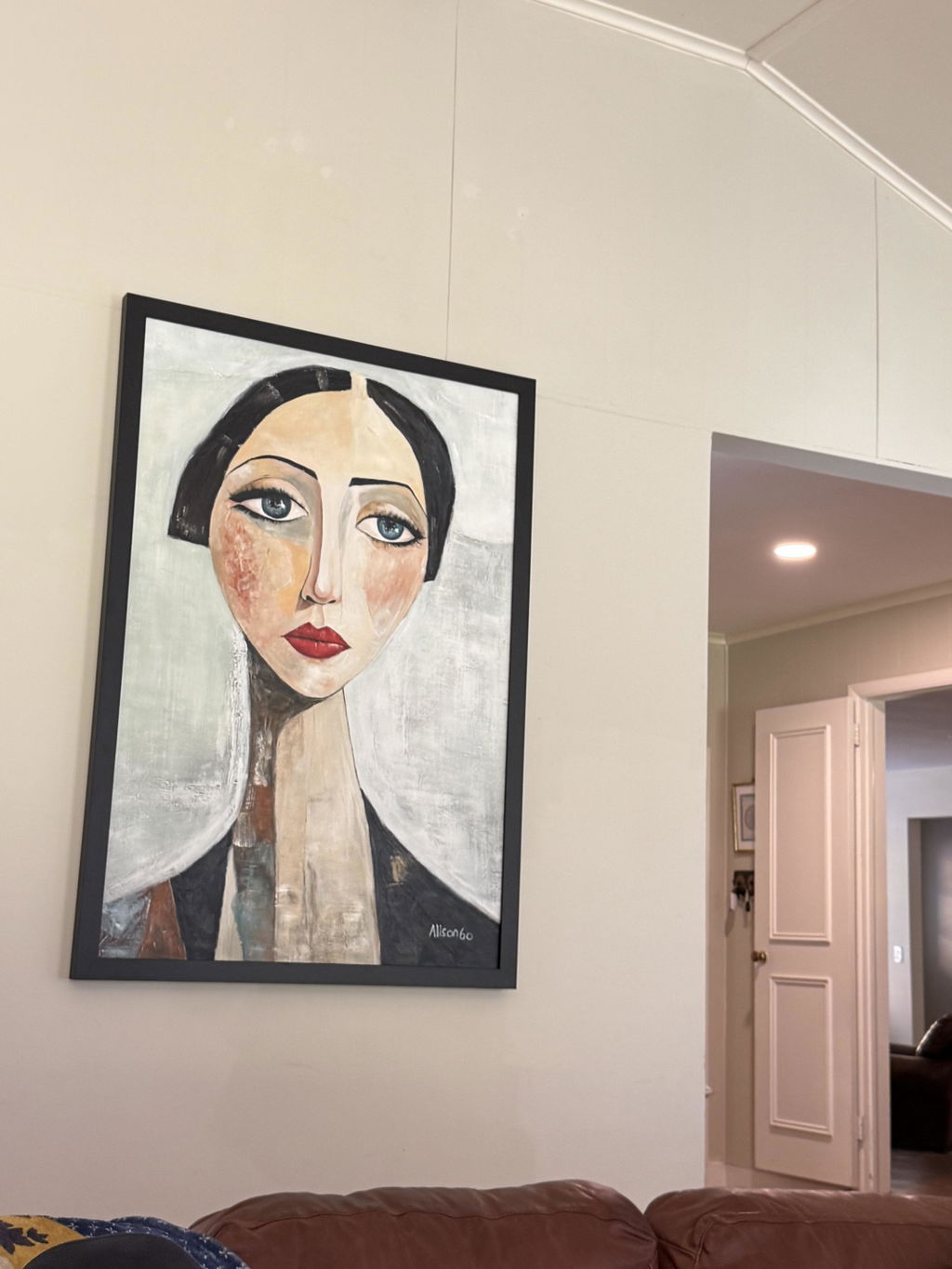
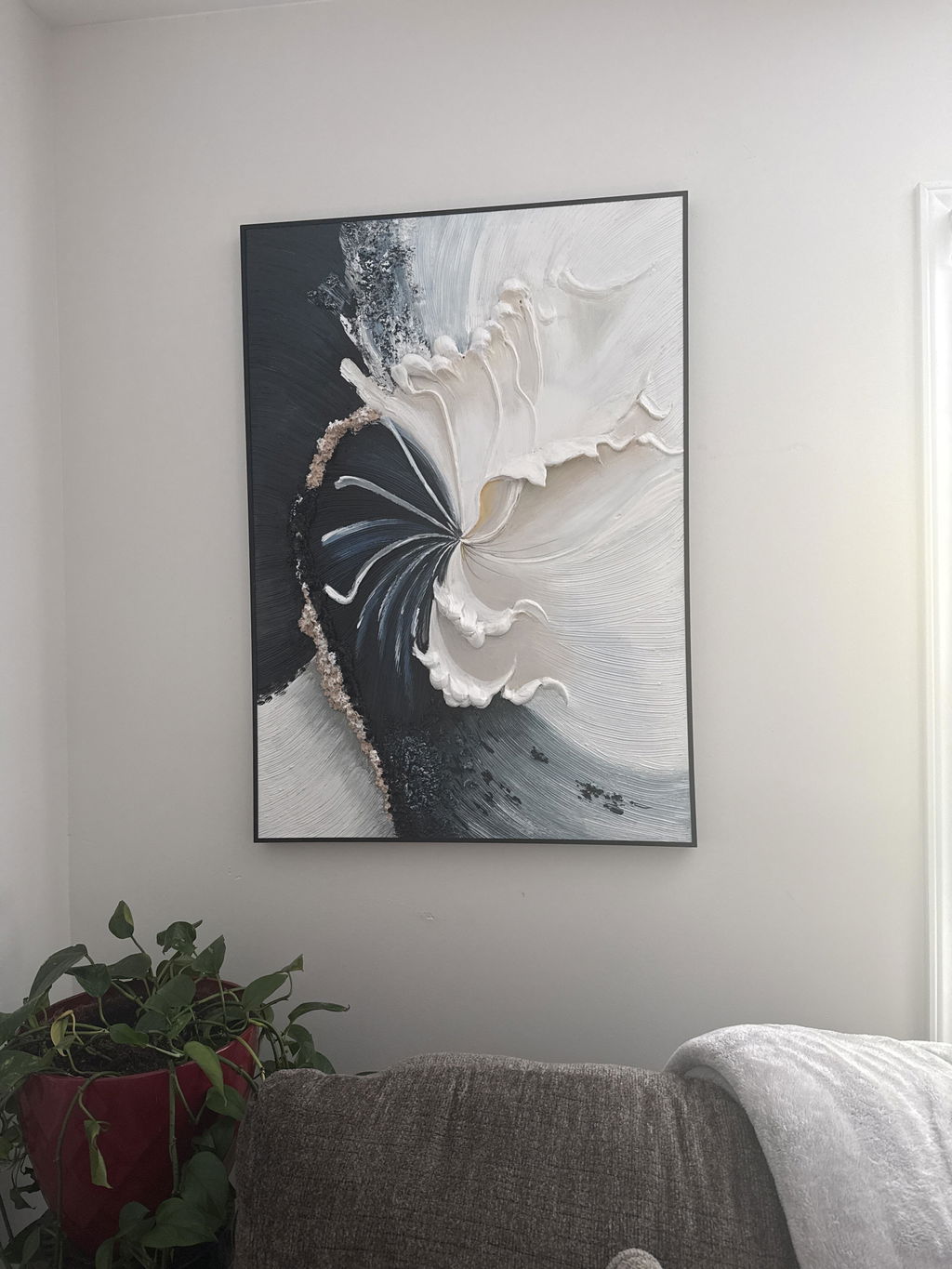
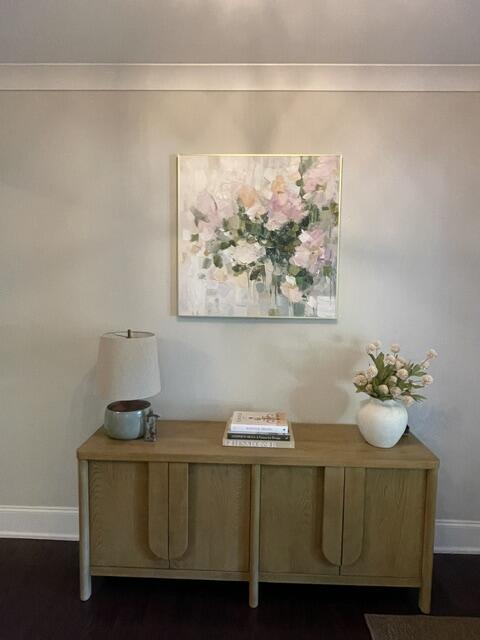
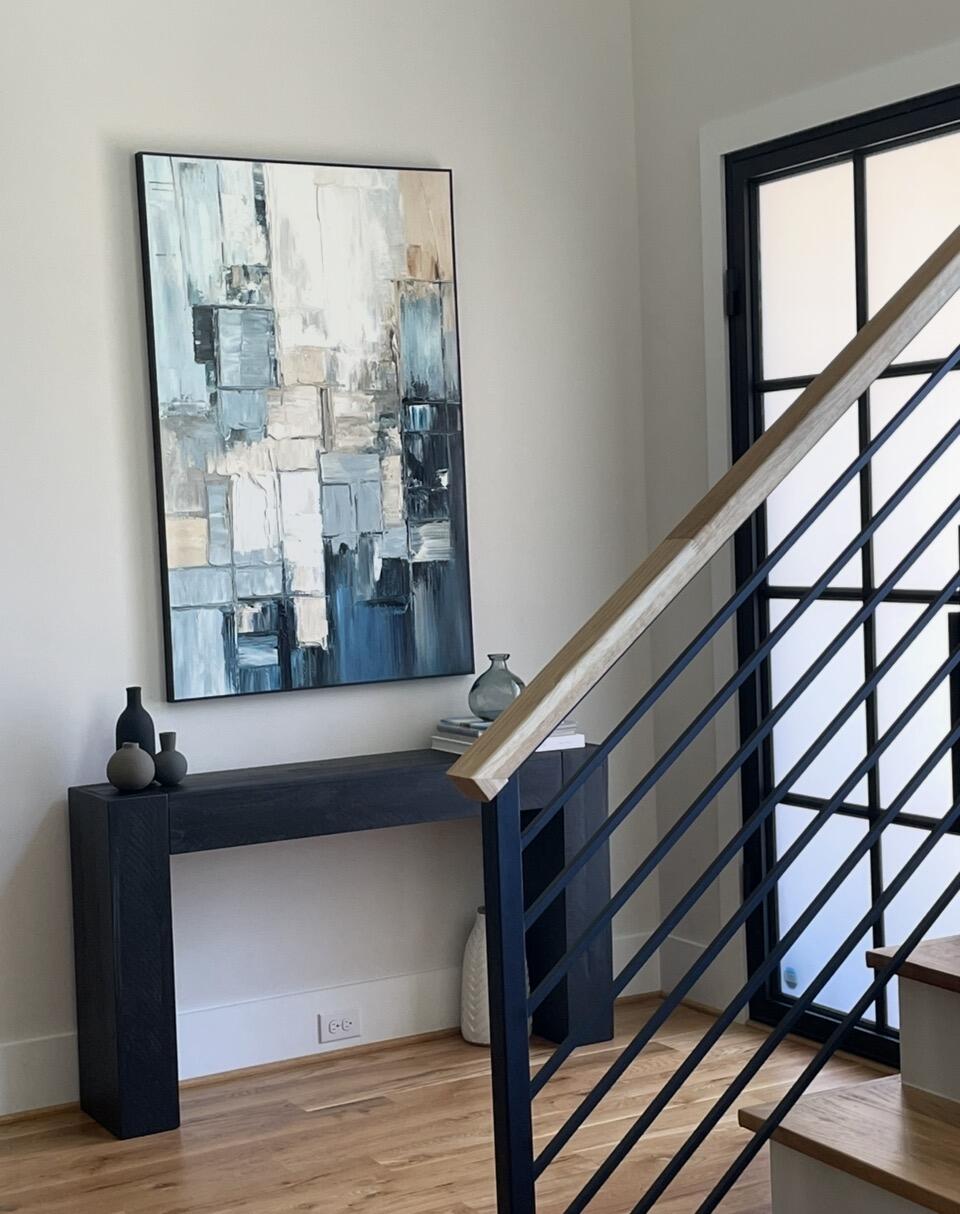
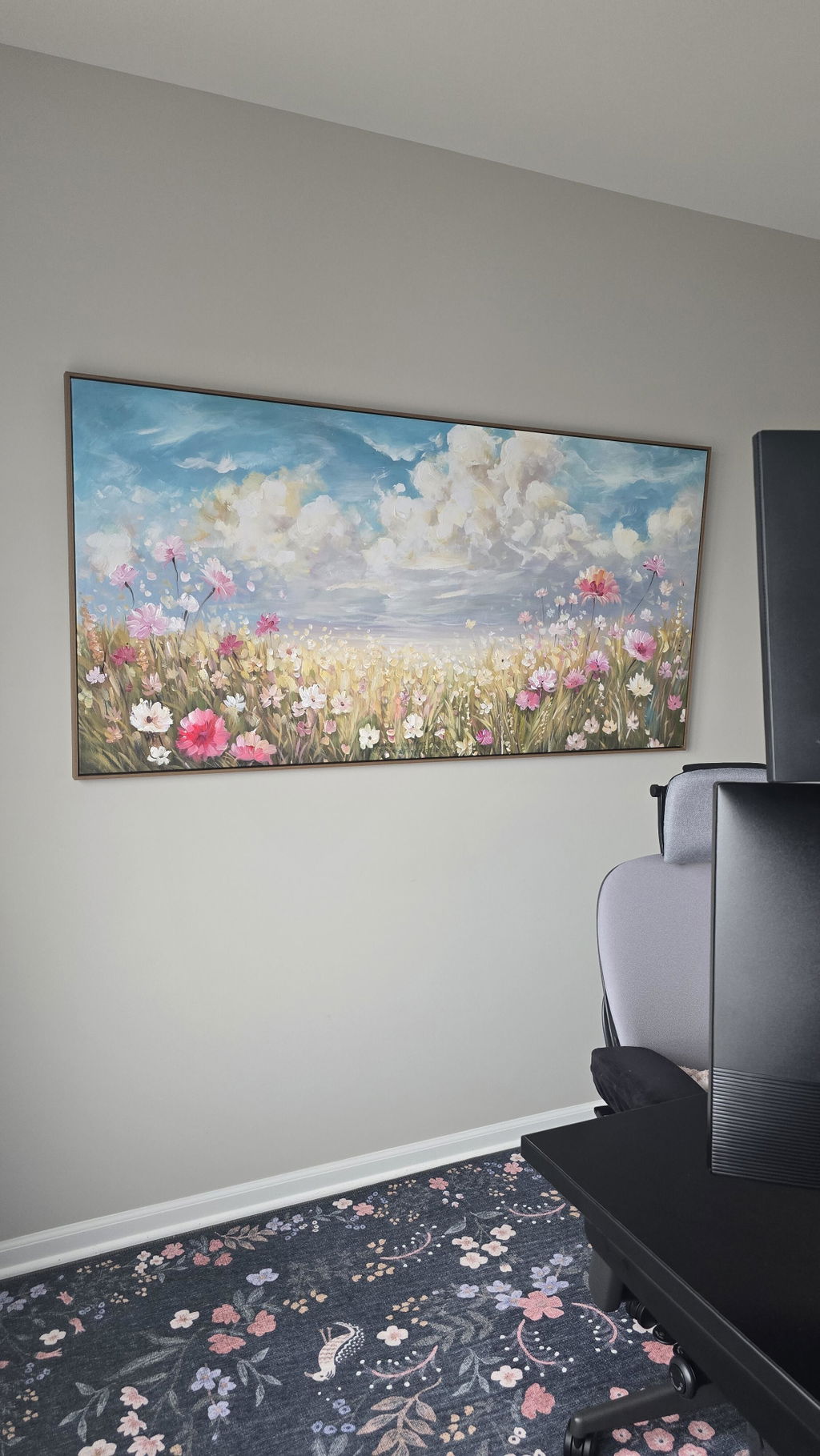
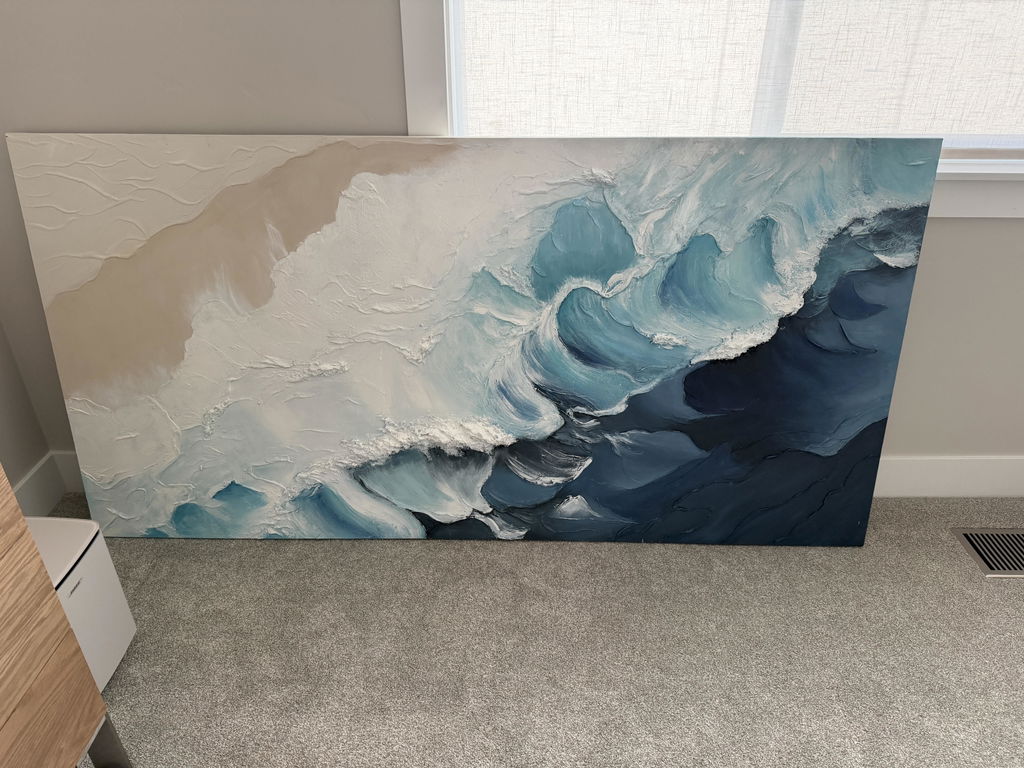
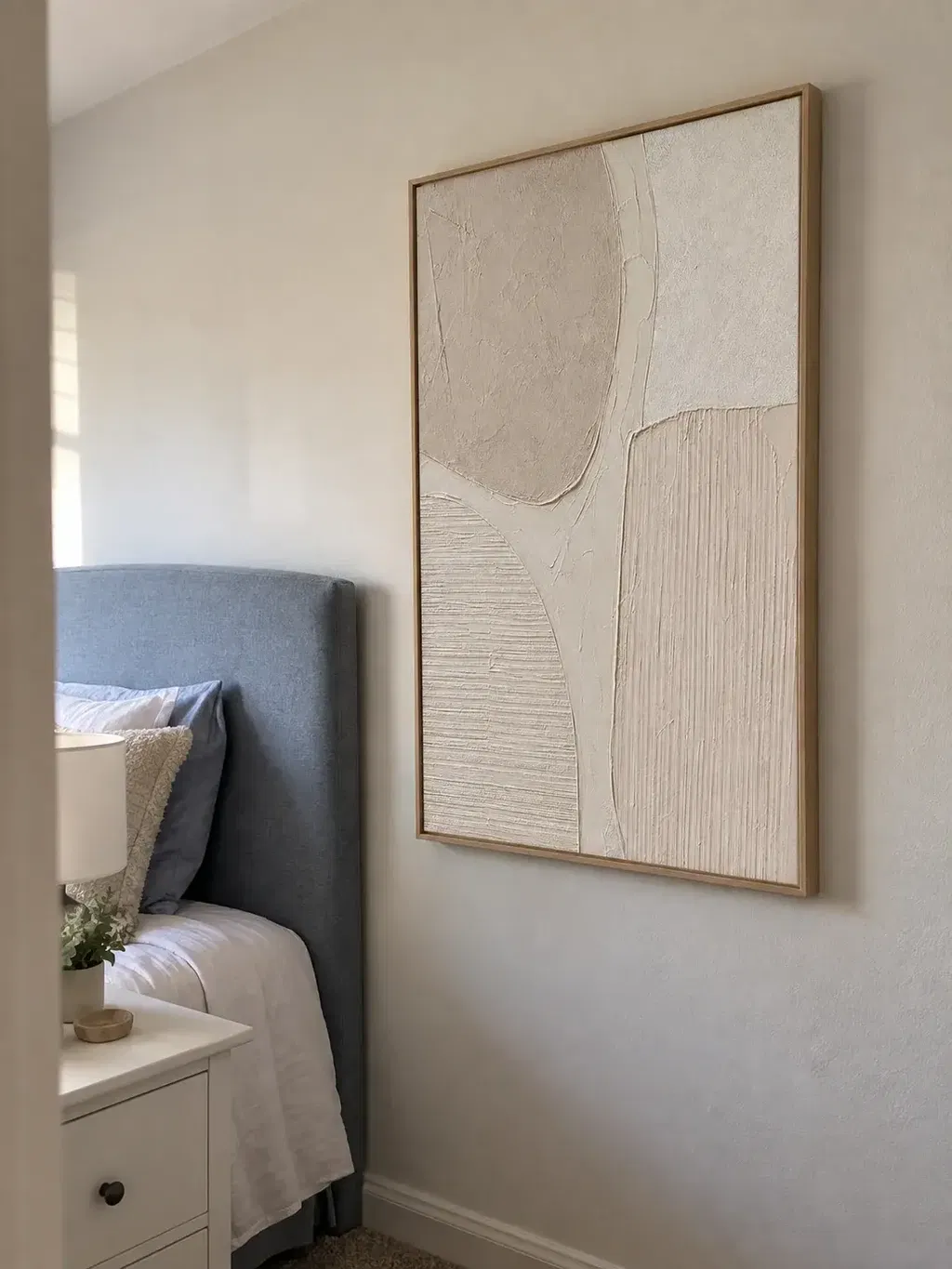
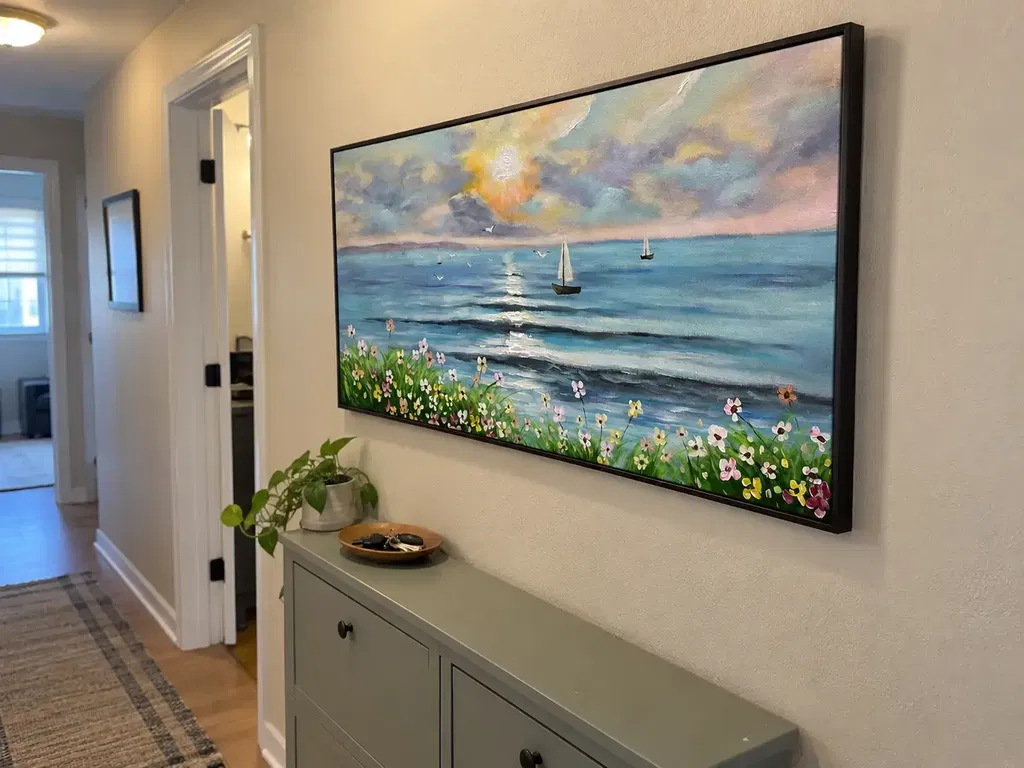
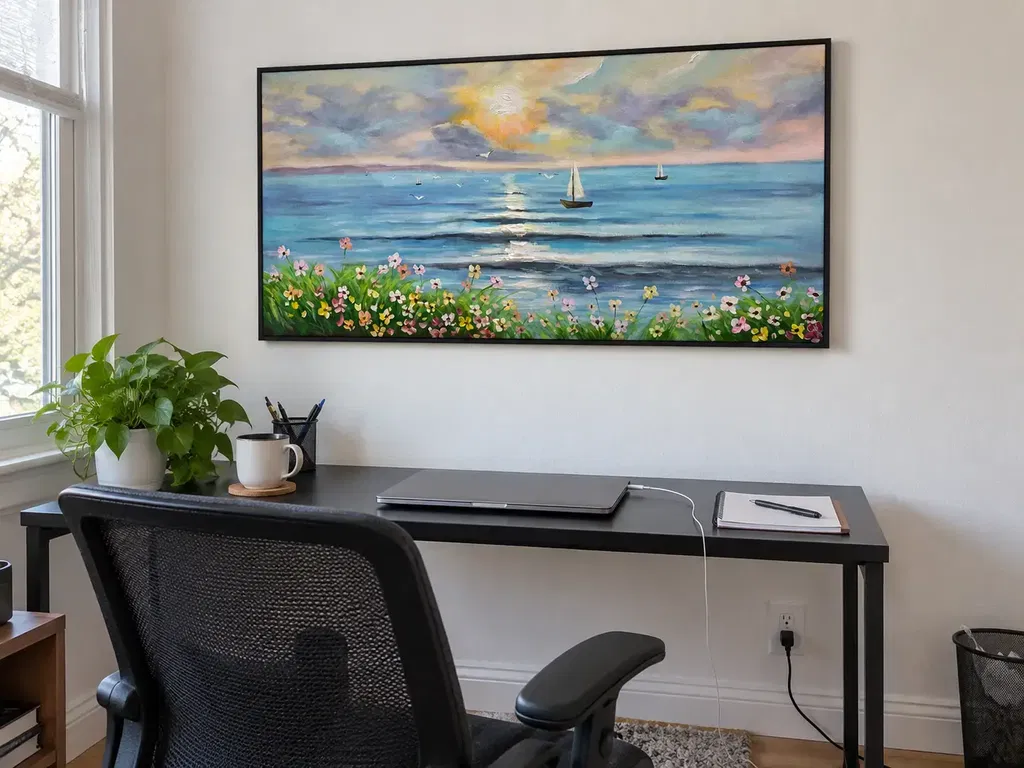
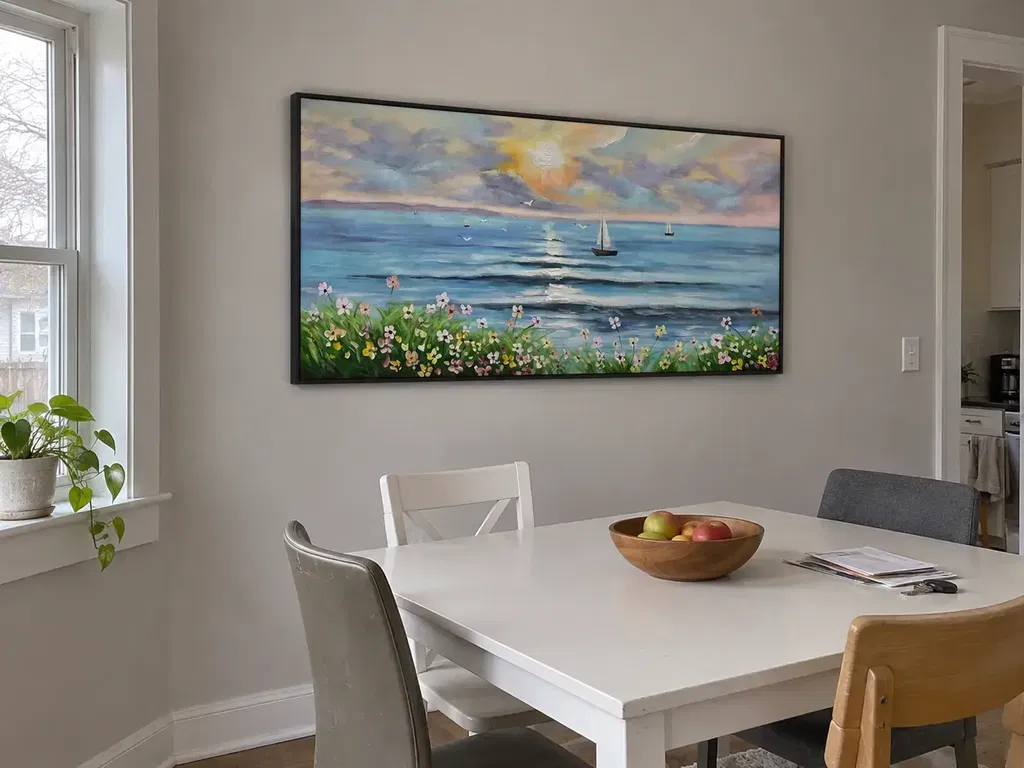
A useful finished-work preview before shipping should show enough of the piece to compare the agreed composition, broad color relationships, visible texture, edges, and presentation details. Review those elements in that order, then decide whether to approve, request a specific adjustment, or pause for clarification. A screen image can reduce uncertainty, but it cannot guarantee the exact physical color, tactile depth, hidden construction, or real-world scale of the artwork.
Start With the Agreed Composition
Composition is the first approval gate. Compare the preview with your order confirmation, customization notes, approved reference, or written brief before judging color or surface finish.
Check the subject, orientation, crop, focal point, and major visual elements. Look for changes that could alter the piece's identity, such as a missing object, a shifted focal area, a different landscape orientation, or a changed balance between large shapes. If the request was informal or ambiguous, ask the seller to confirm which version the preview represents before approving it.

For a diptych or triptych, review the full arrangement rather than each panel in isolation. Confirm the panel order, intended left-to-right sequence, and spacing shown in the preview. A correct individual panel can still produce the wrong overall composition if the order or gaps differ from the approved plan.
Flag any material composition difference now. Moving on to color and texture will not resolve a changed subject, crop, or layout.
Evaluate Color in Context
Use the preview to compare dominant colors, contrast, and relationships between colors, but treat an exact screen-to-paint match as uncertain. First determine whether you are viewing a finished-work photograph, a digital mockup, or both; these image types provide different levels of evidence about the physical surface.
Review important colors under consistent viewing conditions instead of making a decision from a quick phone view under changing room light. The display and surrounding light can affect how tones appear, so screen color comparison is most useful for spotting the overall direction or an obvious mismatch—not for proving an identical pigment result. The BenQ guide to viewing conditions likewise supports controlling the viewing environment when color matters, without guaranteeing the physical artwork's color.

Focus on questions you can answer from the image:
- Are the dominant colors in the expected family?
- Is the contrast between light and dark areas consistent with the brief?
- Is an important color still too unclear to judge for the room or design?
If one decisive shade is difficult to assess, ask the seller to describe the image source and clarify that color before approving. Do not mistake a display limitation for a confirmed change to the seller's color commitment.
Check Texture From More Than One View
Texture is easier to evaluate when the preview includes a full view plus close-up or angled views. The full view shows how surface detail contributes to the composition; a close-up or side-angle view can reveal where brushwork, impasto, or raised areas are visible.
Look for Surface Detail and Consistency
- Use a close-up or side-angle view to inspect visible brushwork, impasto, and raised detail.
- Check whether the lighting reveals surface relief or merely creates strong shadows.
- For a diptych or triptych, compare the texture's direction and prominence across panels.
When consistency across panels matters, multi-panel texture checks can help you frame the questions to ask. Compare the panels at a similar scale and under similar lighting rather than relying on a single detail shot from one panel.
Separate Texture Visibility From Texture Certainty
A photograph can show where texture appears without reliably communicating its exact depth or hand feel. If surface relief is central to your purchase decision, request a better-lit close-up or side view before treating the preview as sufficient evidence.
That extra view can increase confidence about visible texture, but it still cannot reproduce the tactile experience of the finished piece. Keep the distinction clear: you are checking whether the expected surface cues are present, not proving exactly how the artwork will feel in person.
Inspect the Edges and Finish
Approve the edge presentation only when the shown sides match the agreed wrap, frame, border, or painted-edge treatment. A front-facing image may conceal sides that will be visible once the piece is installed.
Use this compact canvas edge inspection checklist:
- Request side or corner views for any visible edges hidden by the main image.
- Compare the wrap, frame, border, and edge color with the order details.
- Look for an unfinished area, a gap in coverage, or an edge treatment that differs from what was agreed.
- Confirm whether framing or mounting changes which sides will be visible.
An edge photo can help you evaluate the visible finish, but it does not prove authenticity or hidden construction quality. If the sides are not shown and their appearance would affect your decision, ask the seller to confirm the treatment before approving.
Confirm Size and Presentation Details
Use the seller's agreed measurements and presentation specifications to confirm fit; do not estimate physical size from pixels, a room photo, or perspective in the preview. The image is useful for proportions and orientation, while the stated dimensions are the basis for deciding whether the piece fits your wall space.
| Check | What to Confirm |
|---|---|
| Finished dimensions | Compare the stated height and width with the available wall space. |
| Measurement basis | Ask whether measurements cover the artwork, frame, gallery wrap, each panel, or the complete arrangement. |
| Presentation | Confirm orientation, panel proportions, and any agreed frame or spacing assumptions. |
For framed or multi-panel art, this distinction matters. A listed canvas size may not represent the outside edge of a frame, and the measurement for one panel may not describe the full installation. Before approving, compare the seller's measurement basis with the space you actually plan to use.
Choose Whether to Approve or Request an Adjustment
Approve when the agreed brief, visible appearance, measurements, and presentation details are clear enough—and no unresolved issue would change your purchase decision. Request a specific adjustment when a material detail differs from the brief and the seller confirms it can be addressed. Pause when the preview is incomplete or the approval terms are unclear.
Know What the Preview Can Confirm
A preview can show:
- The visible composition and arrangement.
- Broad color relationships and obvious visual differences.
- Apparent surface detail in the views supplied.
- Shown edges and finish cues.
- Displayed proportions compared with agreed measurements.
It cannot fully prove exact screen-to-pigment color, tactile texture, hidden construction, or real-world scale from the image alone. It also does not establish a universal right to revise, cancel, or delay shipment. Some custom-order workflows allow a buyer to approve a proof or request changes, but the meaning of approval varies by seller and order terms. Ask whether approval moves the order toward dispatch, whether changes are included, and whether a revised preview will be supplied. Examples of proof workflows illustrate why those conditions need to be stated rather than assumed (proof approval workflow; meaning of art approval).
For MontCarta orders, treat any preview-before-shipping or adjustment language as a condition to confirm for the specific order. Ask what image you will receive, what concerns can still be addressed, and what approval means before treating the order as ready to ship.
Put Any Requested Change in Writing
- Name the affected area or panel and describe the requested result, such as a missing element, a changed crop, or an unclear edge treatment.
- Ask the seller to confirm whether the change is possible and whether a revised preview will be provided before dispatch.
- Review the revised condition or written response, then approve only when the result and workflow status are clear.
Keep the request and the seller's response with the order record. Do not rely on an unconfirmed verbal promise or assume that silence preserves an option to change the work later.
A simple decision rule is enough: approve when no material question remains; request when you can describe a specific discrepancy and the seller confirms the next step; pause when a decisive view, measurement, or workflow term is missing. That is the practical purpose of a finished-art preview before shipment: not to eliminate every uncertainty, but to make the remaining uncertainty visible before dispatch.
FAQs: Finished-Work Preview Before Shipping
Use these answers to distinguish visible evidence from details that still depend on the seller's confirmation.
Can I Approve a Custom Painting If the Preview Is Only a Digital Mockup?
A mockup may be enough to review placement and design direction, but ask about a finished-work photo if color or texture could change your decision. The mockup does not show whether the completed surface matches those expectations.
What If the Finished-Art Preview Does Not Show the Edges?
Ask for edge views or written confirmation of the agreed wrap, frame, border, or painted-edge treatment. If the missing edge detail affects your decision, pause before approving.
Can I Request a Change After Approving Shipment?
Approval and revision terms vary. Before approving, ask whether approval moves the order toward dispatch and whether a revised preview will be provided for any requested change.
How Should I Document an Adjustment?
Name the affected area or panel, describe the desired result, and keep the seller's response with the order record. Ask whether the seller will issue a revised preview before dispatch.
Before selecting approval, confirm the specific preview, any requested adjustment, and what approval means for your order.